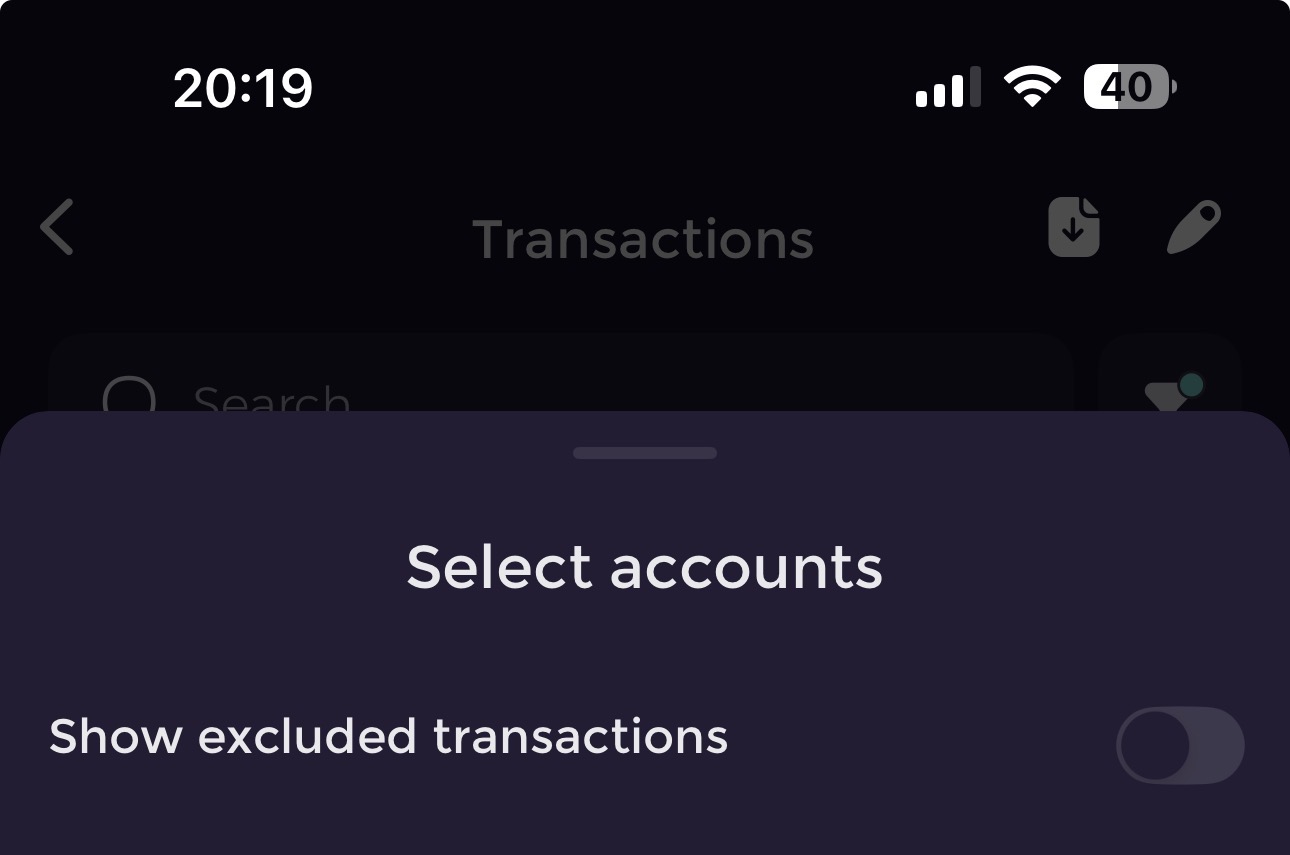
We’ve just rolled out three updates to give you more control over how Emma tracks your money:
Transfer category
All your internal transfers are now automatically detected and grouped under a brand-new Transfer category — no more mixing them with excluded transactions.
Category exclusion
You can now exclude entire categories from Analytics and Budgets.
Perfect if you want to track Investments or Savings without including them in your spending totals.
Custom category picker
Reorganise or hide categories you don’t use when categorising transactions.
Love “Groceries” but never use “Gifts”? Keep your picker clean and personal.
These changes are all about making Emma more flexible and tailored to you.
Give them a try and let us know what you think below!
I have an issue with the transfer category before transfers were marked as the exclude category so they would be hidden for me in my transaction list now they are all marked as transfer category and have reappeared in my transaction list id prefer not to try and move all my transfers from transfer category to the excluded category. It would be good if the show excluded transactions toggle applied to the transfers and excluded categories
Sorry to sound dumb but what problem does this solve? I remember this being discussed a while back but can’t find it anymore. What’s wrong with using excluded for internal transfers - and with a separate transfer category what use case would be left for excluded?
This all sounds really good but please please please can we have the ability to turn off automatic tagging? I know every user’s workflow is different but I find it such a pain having to find and delete tags that have been automatically added. The tags I use (“gift”, for example) can’t be correctly added by an algorithm. Thanks.
This Category exclusion feature is something I want for a long time, so I’m really excited to try it out!
I was not able to see how to use it though… I tried web and iOS (latest version from app store) and I couldn’t find a way to mark categories as excluded.
BTW, I REALLY like this feature! It’s super useful and something I’ve needed for a long time, so thank you for working on this!
There were multiple non-recurring spending categories that I wanted to be able to track, but didn’t want it to affect my overall budget. If I moved it to Excluded, it would definitely be lost, so I categorized it and this led to me not really using the Budget features…
With this, I’ve updated my budget, enabled rolling budgets and am now happy that I’ll be able to track it without a lot of effort!
Quick question: are there plans to allow us to exclude specific sub-categories? It’s not an important thing, bc I easily found a way around it, but curious because I think I would do that if it was available.

 Transfer category
 Category exclusion
 Custom category picker